
The short answer
Pick umbrelOS if you are setting up a machine from scratch and want the most polished, actively developed home server experience: a big app store, backups, multiple users and drive redundancy, all in one system you do not have to maintain yourself. Pick CasaOS if the machine already runs Debian, Ubuntu or Raspberry Pi OS and you want an app dashboard on top without reinstalling, or if you are on an older ARM board umbrelOS does not support.
The deciding difference is not a feature. CasaOS is an application you install on Linux; umbrelOS is the operating system. Everything else follows from that, including the one caveat that matters most in 2026: CasaOS has not had a release since December 2024.
CasaOS and Umbrel side by side
| CasaOS | umbrelOS | |
|---|---|---|
| What it is | A dashboard installed on existing Linux | A complete operating system |
| Installs on | Debian, Ubuntu, Raspberry Pi OS, Armbian; amd64, arm64 and armv7 | Most x86-64 PCs, Raspberry Pi 5, virtual machines, Umbrel Home and Umbrel Pro |
| Your existing OS | Kept, with apt, SSH and anything else you run | Replaced; cannot be installed on top of Linux |
| App store | About 180 apps in the official store, plus community stores | Over 300 apps, plus community app stores |
| Apps not in the store | Import a Docker Compose file or docker run command | Community app stores in Umbrel's format |
| User accounts | One | Several, each with a private home folder (since 2.0) |
| Drive redundancy | None of its own; use Linux tools | Storage Manager with FailSafe (RAID) on multi-drive devices (since 2.0) |
| Backups | None built in | Automatic encrypted backups to another Umbrel, a NAS or USB, with file-level Rewind |
| Virtual machines | No | Machines: Windows, Linux and Android VMs in the browser (since 2.0) |
| Remote access | Install and configure an app such as Tailscale yourself | Tailscale app; the Mac app works over Tailscale |
| Licence | Apache 2.0, open source | PolyForm Noncommercial: free for personal use, not OSI open source |
| Development | Last release v0.4.15, December 2024; app store still updated | Active; umbrelOS 2.0 released September 2026 |
Checked against CasaOS v0.4.15 and umbrelOS 2.0.0 in September 2026. The CasaOS app count is the number of apps in the official CasaOS-AppStore repository at that time.
Installing: an app on Linux versus a whole OS
CasaOS installs with one command on a machine that already runs Linux, and supports a wide range of hardware, including 32-bit ARM (armv7) boards that most modern platforms have dropped:
curl -fsSL https://get.casaos.io | sudo bashumbrelOS is downloaded as an image or USB installer and takes over the boot drive, then uses the other drives for apps and data. On a Raspberry Pi 5, Umbrel recommends booting from an NVMe or USB drive rather than a microSD card. On x86 it wants at least a dual-core CPU, 4 GB of RAM (8 GB or more recommended) and a 32 GB drive for the system.
So the first question is whether the machine has other jobs. If it already runs a Plex install, a Minecraft server or your own scripts, CasaOS sits next to them. umbrelOS expects to be the only thing on the box, which is also why it can manage that box so smoothly.
App stores
Umbrel's store is larger, over 300 apps, and every app is packaged and tested for umbrelOS. It is especially strong for Bitcoin and Lightning, where Umbrel began, and for AI apps such as Ollama, which get GPU acceleration automatically. The 2.0 store adds categories, collections, an update shelf and compatibility checks.
CasaOS's official store is smaller, about 180 apps, but it is still updated, and its format is used by several community stores you can add. When an app is missing, CasaOS lets you import any Docker Compose file or docker run command, which covers nearly every self-hosted project. Umbrel apps rely on Umbrel's own manifest and app proxy, so an app that is not packaged for Umbrel means waiting for someone to package it or running a container manager such as Portainer from the store.
Storage, users and backups
This is where the two have drifted furthest apart. umbrelOS 1.5 added automatic encrypted backups to another Umbrel, a NAS or a USB drive, with Rewind to restore individual files from any backup. umbrelOS 2.0 added multiple user accounts with private folders, a Storage Manager that can combine drives or mirror them with FailSafe (RAID) on devices with several drive slots, a Photos app, an iPhone app that backs up the camera roll, and virtual machines.
CasaOS has one account, no built-in backup, and leaves drive redundancy to the Linux underneath: you can set up mdadm or ZFS yourself, and CasaOS will use the result. It shares folders over SMB and mounts USB drives, which covers simple home use. If your plan includes family photos, you will be adding a backup tool yourself.
Is CasaOS still maintained?
CasaOS's last release is v0.4.15, from December 2024. IceWhale, the company behind it, now puts its development into ZimaOS, a full NAS operating system, and presents CasaOS as a community project. The CasaOS app store repository is still updated regularly, so installing apps keeps working.
In practice, an existing CasaOS server keeps running, and your apps get updates from their own projects. What you should not expect is new CasaOS features or fixes for the dashboard itself. For a new server, that tips the balance: umbrelOS, ZimaOS or another maintained dashboard is the safer base. Our CasaOS vs ZimaOS comparison covers IceWhale's own successor.
Moving from CasaOS to Umbrel
There is no migration tool, and because umbrelOS replaces the operating system, you cannot install it next to CasaOS on the same boot drive. The usual route:
- 1.List the apps you run in CasaOS and where each keeps its data, usually under
/DATA/AppData. - 2.Copy that data, and your files under
/DATA, to another disk or machine. - 3.Install umbrelOS, then install each app again from the Umbrel store.
- 4.Copy your files back through Files or a network share, and import each app's data following that app's own restore instructions.
Apps with simple data folders move easily. Apps with databases, such as Immich or Nextcloud, need their own export and import steps, so check each one's documentation before you wipe the old disk.
A third option: keep your Linux and the CasaOS store
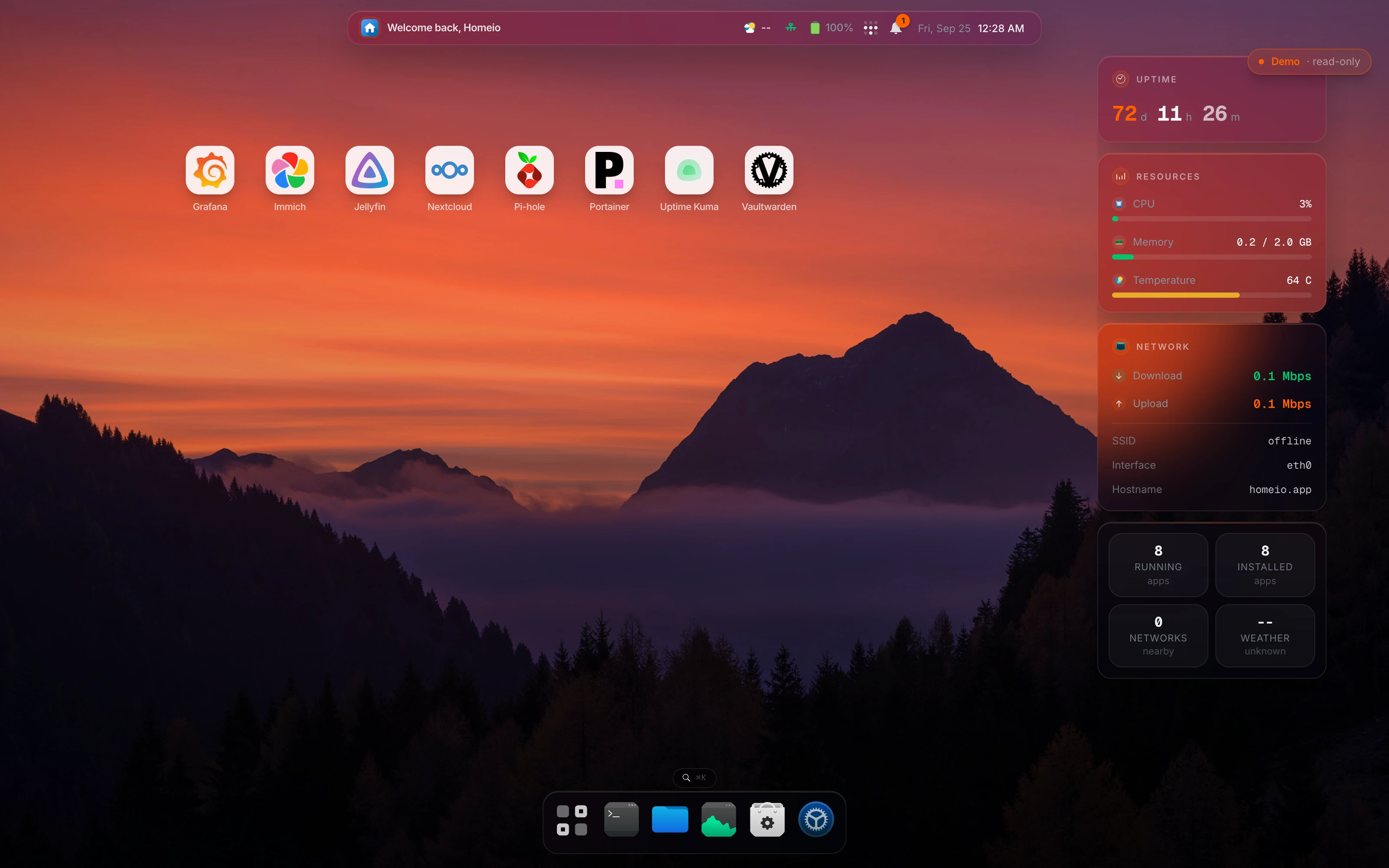
If what you like about CasaOS is that it sits on your own Linux, but you want a dashboard that is still developed, that is the gap Homeio, the project behind this site, was built for. Homeio's default app store is the CasaOS store itself, it uses the same /DATA folder layout, and it adds scheduled tasks, weekly backups, two-factor login, disk partitioning, and Tailscale and Cloudflare Tunnel in Settings. It is MIT licensed.
It is not a replacement for umbrelOS's newest features: Homeio has one user account, no virtual machines and no RAID manager, and its terminal runs allowlisted commands rather than a full shell. Our Umbrel alternative and CasaOS alternative pages compare it with each in detail.
Which one should you choose?
- New machine, first home server, want it to just work: umbrelOS.
- Several people in the household with their own files: umbrelOS 2.0.
- Running a Bitcoin or Lightning node: umbrelOS.
- Machine already runs Linux with other services you want to keep: CasaOS, or a maintained dashboard such as Homeio.
- Raspberry Pi 3, Pi 4 or another 32-bit ARM board: CasaOS on Raspberry Pi OS or Armbian.
- Existing CasaOS server that works: keep it, and plan a move when you next rebuild.
- You want drive redundancy and a NAS-style setup on x86: compare umbrelOS with ZimaOS and the other options in our home server OS comparison.