
Homeio
DockgevsHomeio
⌘KAlternative to Dockge

Dockge alternatives: other ways to run your compose stacks.

Dockge is deliberately narrow: compose files in, running stacks out, with a clean editor and live output. That is the right tool until the day you need to check a disk, mount a drive, schedule a job or restore last week's state. Homeio keeps the Compose model and adds the server around it.

Homeio
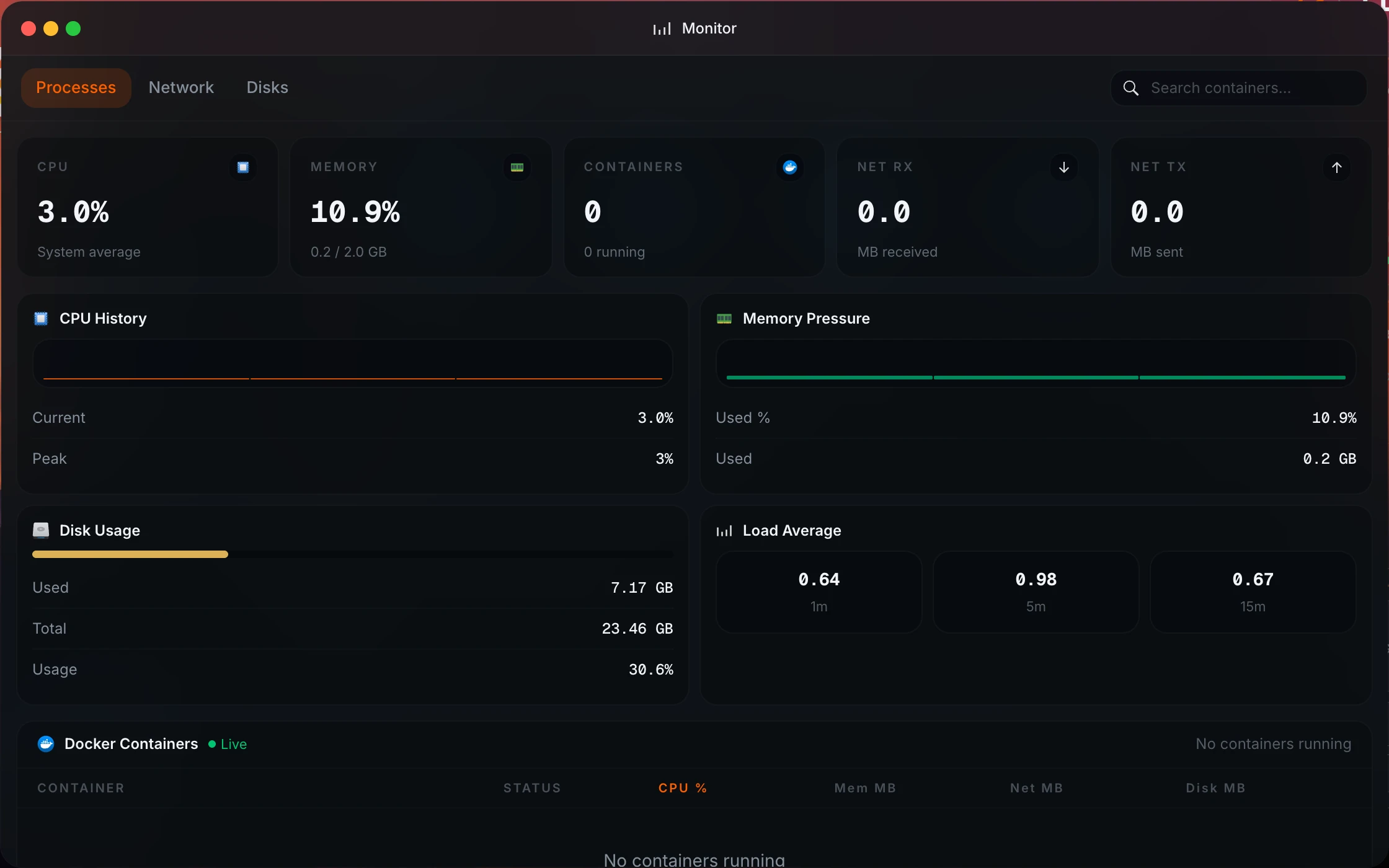
Homeio system monitor next to Docker Compose app management
⌘1Alternatives

Dockge alternatives, from a single host to a fleet.

Dockge is deliberately small. People look elsewhere when they want an app catalog, several hosts, or the server itself managed too.

  1. 01

    Homeio

    Open source (AGPL-3.0) · Debian, Ubuntu, Raspberry Pi OS or Docker

    Keeps the compose model (paste a compose file or a docker run command) and adds an app store, a shell inside every container, files, disks, Samba, scheduled image pulls, backups and a full server terminal.

    Best for: One server where the stacks are only part of the job.

  2. 02

    Portainer CE

    Open source (zlib) · one container, agents for more hosts

    The best-known container console: stacks, containers, images, networks and volumes, with templates and several environments. Heavier than Dockge, and some features sit in the paid edition.

    Best for: Fine-grained container work across a few hosts.

  3. 03

    Komodo

    Open source (GPL-3.0) · core plus agents

    Stacks from git repositories, builds, deployments and alerts across many servers. The step up when Dockge's agents are not enough.

    Best for: A homelab with several Docker hosts and git-managed stacks.

  4. 04

    Runtipi

    Open source (GPL-3.0) · install script on Linux

    An app store rather than a compose editor: pick an app, click install, get updates. You write less compose and control less of it.

    Best for: Installing popular apps without writing compose files.

  5. 05

    Lazydocker

    Open source (MIT) · terminal app

    A terminal interface for containers, logs and compose projects. Nothing listens on the network.

    Best for: Managing stacks over SSH.

⌘2Differences

What changes if you switch.

  • 01An app catalog with install forms, so a new service does not start from a blank YAML file.
  • 02Paste a compose file or a docker run command to add anything else.
  • 03Host and per-container metrics, streamed live.
  • 04Files, Samba, USB drives and disk partitioning in the same desktop.
  • 05Cron-scheduled image pulls, app restarts, scripts and backups.
  • 06Weekly backups of the database, /DATA and your stacks, with restore in the UI.
⌘3Side by side

Job by job.

NeedIn Homeio
Edit and run a stack

Edit the compose file in place, then redeploy. Live output while it pulls and starts.

Dockge: the same, and it is what Dockge is best at.

Start a new service

Pick it from the catalog and fill in the form, or paste your own compose file or docker run command.

Dockge: write the compose file, or convert a docker run command.

A shell in a container

Open in Terminal on an app opens a shell inside its container (script install, 1.10.2 and later).

Dockge has an interactive container shell too.

Is the disk filling up

Disk, CPU, memory and network on the desktop, updated live, with a disk alert at a threshold you set (90% by default).

Dockge shows no host metrics.

Scheduled maintenance

Cron tasks for image pulls, restarts, scripts and backups, with a notification on failure.

Dockge has no scheduler.

Files and drives

A file manager with editor and previews, Samba shares, SMB mounts, USB drives, and partitioning and formatting in Settings.

More than one host

One host.

Dockge can manage other hosts through agents.

Footprint

Node and PostgreSQL. The Docker install caps the container at 1 GB of memory.

Dockge is a single, lighter container.

⌘4Walkthrough

Move Dockge stacks to Homeio.

Dockge keeps each stack as a folder in /opt/stacks, so moving them is copying a compose file.

  1. 01

    See which stacks Dockge manages.

    ls /opt/stacks
    docker compose ls
  2. 02

    Install Homeio on the same host.

    curl -fsSL https://get.homeio.app | sudo bash
  3. 03

    For each stack, stop it, then paste its compose file into a Homeio custom app. Relative bind mounts such as ./data resolve against the stack folder in Dockge, so change them to absolute paths (for example /opt/stacks/immich/data) before you paste.

    cd /opt/stacks/immich && docker compose down
    cat compose.yaml
  4. 04

    Start it from Homeio and check the logs window. Then schedule a weekly image pull in Scheduled Tasks, which Dockge does not do.

⌘?FAQ

Questions people ask before switching.

Should I replace Dockge with Homeio?

Only if you keep leaving Dockge for other tools. Dockge, from the author of Uptime Kuma, does one job: edit and run compose.yaml files in a browser. If you also SSH in to check disk space, mount a drive, restore a volume or set up a cron job, Homeio puts those next to the stacks. If you do not, Dockge is lighter and you should keep it.

What does Dockge do better?

It is smaller: one container with SQLite, where Homeio runs Node and PostgreSQL. Its stacks are plain folders in /opt/stacks that you can edit with any tool and it picks up. It can manage stacks on other hosts through agents, where Homeio manages one host. Both open an interactive shell inside a container, and Homeio's terminal is also a full shell on the server itself.

What does Homeio add on top of stack management?

A catalog (the CasaOS app store, plus any sources you add) with install forms and update checks; a file manager with a Monaco editor; Samba shares, SMB mounts and USB drives; a partition manager; host and per-container metrics; a cron scheduler; weekly backups; two-factor login; and Tailscale and Cloudflare Tunnel in Settings.

Can I bring my existing compose files?

Yes: paste a compose file, or a docker run command that Homeio converts to Compose, and it becomes a custom app you can edit, redeploy and, since 1.9.1, remove. Stacks Dockge already runs keep running; Homeio lists their containers read-only and does not touch them.

Can I run Dockge and Homeio together?

Yes. Homeio's Docker install listens on 12026, Dockge on 5001, and they manage separate stacks. Many people move stacks over one at a time.

Can Homeio update images on a schedule?

It can pull new images for every stack on a cron schedule, and it notifies you if the run fails. The pull does not recreate containers, so the new version takes effect when you update or redeploy the app. That is deliberate: an unattended recreate is how a database container ends up on a major version you did not plan for.

Is Homeio free?

Yes, it is open source under the AGPL-3.0; Dockge is MIT licensed. Since 1.9.5 it sends an anonymous ping twice a day with a random ID, the version and the platform, with public totals at homeio.app/stats; HOMEIO_TELEMETRY=false turns it off.

⌘5Next step

Try it next to what you run now.

The demo needs no install. On a spare machine or a VM, the Docker install takes a few minutes and listens on port 12026, so it does not fight your current setup for port 80.

⌘6Keep reading