
Interface
How easy the web interface is for the jobs you do every week: installing an app, finding a file, seeing what is wrong. Polish counts, but so does finding things without a manual.
Ten tools turn a mini PC or a Raspberry Pi into a home server, and they are good at different things. Pick what matters to you (a pleasant interface, room to customise, access from outside, or real server management) and the table re-ranks itself. Every score comes with its reason.
Ratings from 1 to 5. Hover or read under each bar for the reason. Updated 2026-10-13.
What matters most to you?
Pick one or more. The ranking uses only what you pick; with nothing picked, all four count equally.
Must have
10 of 10 shown, ranked by all four
| # | Manager | Interface | Personalisation | Internet access | Server management | Fit |
|---|---|---|---|---|---|---|
| 01 | 4 Mature and dense; easy once you know where things are. | 5 Community Applications, Docker templates, plugins and virtual machines. | 4 Built-in WireGuard VPN and Unraid Connect for remote access. | 5 Parity array mixing disk sizes, shares, users, VMs and plugins for nearly everything else. | 90/100 | |
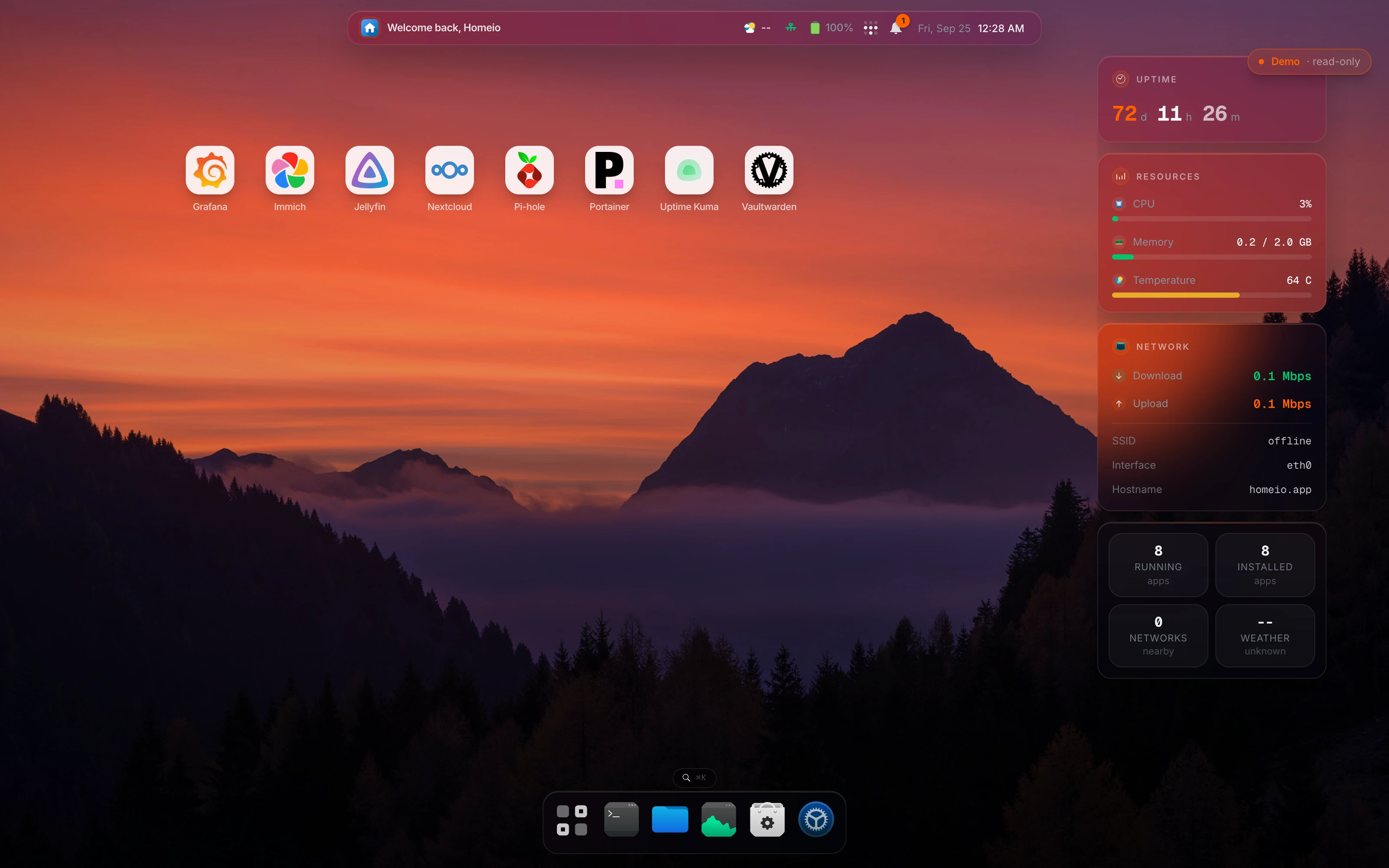
| 02 | Homeio On your Linux · AGPL-3.0 · Free Running apps and the whole machine from one desktop, on the Linux you already have. | 4 Desktop-style interface with windows, a dock and ⌘K search. Dense rather than minimal. | 4 CasaOS-format stores, any compose file or docker run command, and a full root shell. One account only. | 4 Tailscale and Cloudflare Tunnel from Settings, including publishing an app on your domain. No built-in reverse proxy or SSO. | 5 Disk partitioning and formatting, Samba, SMART, scheduled tasks, weekly backups, network settings, a 24-hour monitor and a terminal. | 85/100 |
| 03 | Cosmos On your Linux · Apache-2.0 + Commons Clause · Free, paid Pro Exposing several apps to the internet safely, behind one login. | 3 Capable but busy; more settings than most newcomers want. | 5 Import any compose file or manage Docker directly, next to its market apps. | 5 Reverse proxy with automatic HTTPS, OpenID Connect SSO, multi-factor login and its own Constellation VPN. | 3 Restic backups, MergerFS pools with parity and a cron scheduler. No file manager. | 80/100 |
| 04 | 3 Straightforward admin panel and a user portal. | 2 Apps must be packaged for YunoHost; Docker is not its app model. | 5 Domains, Let's Encrypt certificates, email and SSO are core features. | 4 Users and groups, per-app and system backups, services and a diagnosis tool. | 70/100 | |
| 05 | ZimaOS Own OS · Free edition, Plus $29 · Free up to 4 disks and 3 users A dedicated x86 NAS with apps, especially on Zima hardware. | 5 One of the most polished interfaces in the group. | 2 Read-only managed system; shell access sits behind Developer Mode. | 3 ZimaClient gives an encrypted peer-to-peer connection to the box. | 4 RAID 0/1/5/6, ZFS as an option, per-user shares and backup jobs. | 70/100 |
| 06 | 3 Powerful but built for storage admins; many screens and terms. | 3 App catalog plus custom apps from compose YAML. | 2 No built-in tunnel or VPN; add Tailscale or WireGuard as apps. | 5 ZFS pools, snapshots, replication, ACLs, SMART tests and alerts. | 65/100 | |
| 07 | umbrelOS Own OS · PolyForm Noncommercial · Free software, paid hardware An app appliance you never think about, or a Bitcoin node. | 5 The reference for a polished, app-store-first experience. | 2 Apps follow umbrelOS's own manifest; custom containers go through a separate Portainer workflow. | 3 Tailscale app, two-factor login for the dashboard and local HTTPS. | 3 Encrypted backups and OS updates that roll back on failure, but the system is closed to anything it did not install. | 65/100 |
| 08 | 2 Functional and dated; built for configuring, not browsing. | 4 Plugins, including Docker Compose, on a normal Debian you can extend. | 2 WireGuard through a plugin; nothing set up for you. | 4 Shares, software RAID, SMART, scheduled jobs, users and notifications. | 60/100 | |
| 09 | 3 Simple app store interface, focused on install and update. | 4 Custom app stores and compose-based configuration overrides. | 3 Traefik in front of apps, with HTTPS when you give it a domain. | 1 Apps only: no file manager, disks, shares or host backups. | 55/100 | |
| 10 | CasaOS On your Linux · Apache-2.0 · Free A first, simple home server, if you accept that development has slowed. | 4 Clean widget-style dashboard that newcomers find easy. | 3 Custom Docker apps and third-party stores in the CasaOS format. | 1 Nothing built in: install Tailscale or cloudflared as apps and set them up yourself. | 2 Files, SMB sharing and USB drives. No backups, scheduler or user management. Last release December 2024. | 50/100 |
How easy the web interface is for the jobs you do every week: installing an app, finding a file, seeing what is wrong. Polish counts, but so does finding things without a manual.
What you can do beyond the catalog: your own compose files, other app stores, plugins, and how much of the host you can still change. Appliances score low here by design.
What is built in for reaching the server or its apps from outside: a VPN such as Tailscale or WireGuard, a tunnel, a reverse proxy with HTTPS, single sign-on. Installing it yourself as an app does not count.
Looking after the machine, not only the apps: disks and RAID, shares, users, backups, scheduled jobs, monitoring and a terminal.
The quick version, by situation.
First home server on a Pi or a mini PC, and you want to keep Linux: Homeio, or CasaOS if you want the simplest start and accept slower development.
A box full of drives for media: Unraid if you will pay, OpenMediaVault if not, TrueNAS if the data matters more than the apps.
An appliance for apps you never maintain: umbrelOS, or ZimaOS on x86.
Apps on your own domain for friends or family: Cosmos, or YunoHost if you also want email and shared accounts.
Just apps, as light as possible: Runtipi.
There is no single winner, which is why the table lets you rank by what you care about. For managing apps and the whole machine on your own Linux, Homeio. For a NAS full of mismatched drives, Unraid. For ZFS and data safety, TrueNAS. For the most polished appliance, umbrelOS or ZimaOS. For exposing apps safely behind one login, Cosmos. For several users with email, YunoHost.
A home server OS (umbrelOS, ZimaOS, Unraid, TrueNAS) replaces the operating system and takes the whole machine: easy to keep up to date, hard to change. A manager that installs on Linux (Homeio, CasaOS, Runtipi, Cosmos, OpenMediaVault) sits on Debian or Ubuntu, so the machine stays a normal Linux box you can use for other things.
Homeio, CasaOS, Runtipi, Cosmos, YunoHost and OpenMediaVault install on Raspberry Pi OS or Debian for ARM, and umbrelOS has an image for the Pi 5. ZimaOS, Unraid and TrueNAS need an x86 machine. Use the 'Runs on a Raspberry Pi' filter above.
Homeio (AGPL-3.0), CasaOS (Apache-2.0), Runtipi (GPL-3.0), YunoHost (AGPL-3.0), OpenMediaVault (GPL-3.0) and TrueNAS Community Edition are open source. umbrelOS is source-available under a noncommercial licence, Cosmos adds a Commons Clause, ZimaOS has a free edition with limits, and Unraid is paid.
Each tool gets 1 to 5 per criterion from its documentation and our own installs, with the reason written next to the bar. The fit score is the average of the criteria you pick, out of 100. They are editorial judgements, not benchmarks: if a reason does not matter to you, ignore that column.
The ones that install on Linux can share a machine if they do not fight over ports: Homeio's Docker install listens on 12026, for example, so it can run next to CasaOS or Cosmos while you compare. The ones that are full operating systems need their own machine or a virtual machine.